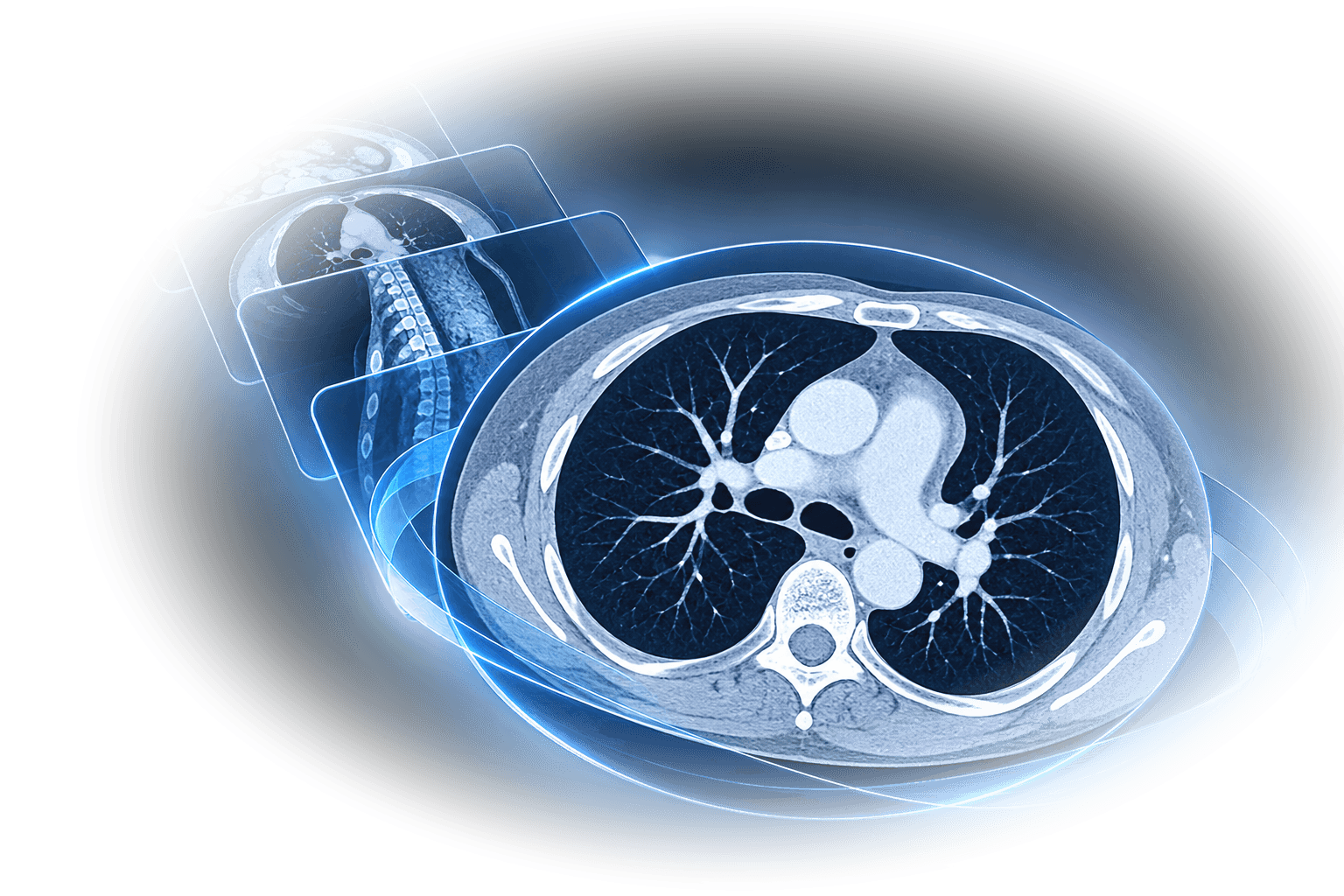
Picture Archiving & Communication System
Every image.
Every modality.
One system.
A complete on-premise PACS — DICOM archive, diagnostic web viewer and RIS/EHR integration — running on your own hardware.
- DICOM & DICOMweb native
- Zero-footprint viewer
- MPR · MIP · 3D
- HL7 v2 & REST
- On-premise
- Android & iOS app
Why qPACS
The complete imaging
workflow. One platform.
Most imaging projects end up as three purchases — an archive, a viewer and an integration layer — from three vendors, with three support contracts. qPACS is one product: images arrive over standard DICOM, are archived on your own storage, and open instantly in a full diagnostic viewer that runs in a browser tab.
Complete, not a component
Archive, worklist, diagnostic viewer, modality worklist and admin console ship together and are configured in one place — one installer, one login, one vendor to call.
Zero-footprint viewer
Radiologists open studies in Chrome, Edge, Firefox or Safari. No client install, no plug-ins, no Java — the same viewer serves a reporting station, a ward PC or a laptop on call.
Your data stays yours
Fully on-premise. Studies are stored as standard DICOM Part-10 files on your disk or NAS with a PostgreSQL index — no cloud dependency, no per-study fees, no vendor lock-in.
Standards-native connectivity
C-STORE, C-ECHO, C-FIND, Modality Worklist and MPPS on the DICOM side; QIDO-RS, WADO-RS and STOW-RS on the web side. Standards-based connectivity across vendors.
Built to integrate — REST or HL7 v2
Orders push straight into the modality worklist and clinicians launch a study from inside your RIS/EHR in one click. Talk to qPACS over REST/JSON or over HL7 v2 — ORM and ADT in, ORU out, on MLLP or HTTP — chosen per application, so a REST integration and an HL7 feed can run side by side.
A complete diagnostic toolkit
90+ tools and features in the viewer — all browser-based, with no client install, no per-seat viewer licence and no per-study cloud fees.
How it works
From modality to diagnosis,
without the detours.
One flow, four steps. The order leaves your RIS, the modality picks it up from the worklist, images land in the archive automatically, and the study is one click away from the clinician who ordered it.
Order
The RIS pushes the order; it appears on the modality worklist with patient and accession details.Acquire
The technologist selects the patient at the console and scans. Status flows back via MPPS.Archive
Images arrive by C-STORE, are indexed and matched to the order, and written to your storage.Read
The study opens in the browser with priors alongside — from the worklist or the RIS.What that means on a Tuesday morning
- No re-typed demographics at the console
- Study in the archive seconds after acquisition
- Priors and current side by side in the browser
- Every access attributable to a named user
The viewer
Diagnostic imaging.
Without leaving the browser.
Radiologists open a study in Chrome, Edge, Firefox or Safari and have the tools of a reading station in front of them — on a reporting workstation, a ward PC or a laptop on call, with nothing installed on any of them.
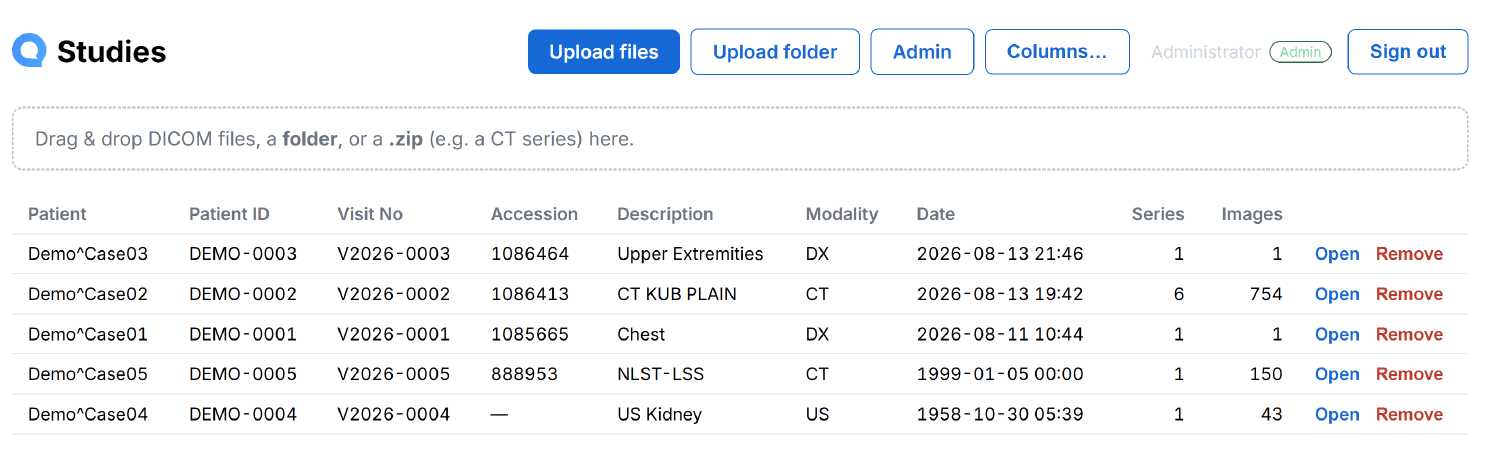
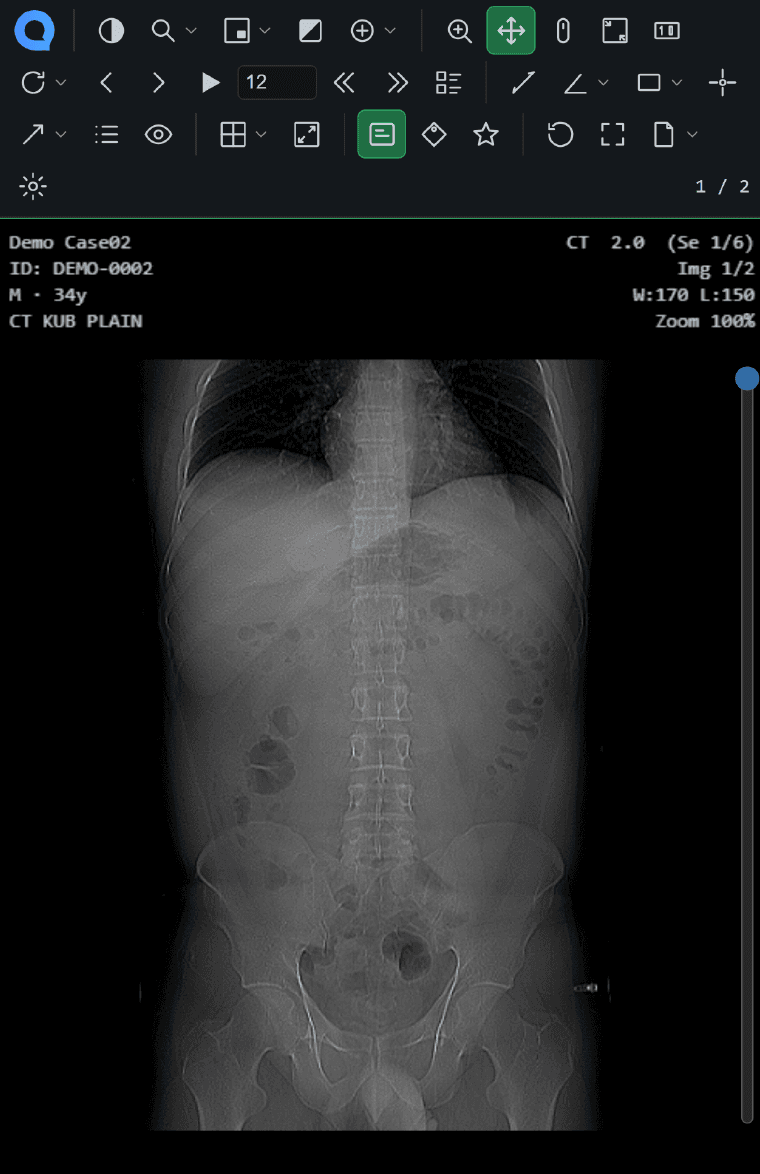
The qPACS worklist. Studies appear here seconds after acquisition, matched to their order by accession number, with patient, visit, modality, series and image counts — and drag-and-drop upload for anything arriving outside DICOM.
Read faster
- Window/level with presets — lung, bone, brain, soft tissue
- Stack scroll, cine and series navigation
- Prior studies open alongside the current one
- Layouts to 3×3, synchronised viewports, crosshair
- Keyboard shortcuts and mouse bindings that follow the reader
Measure with confidence
- Length, angle and Cobb angle
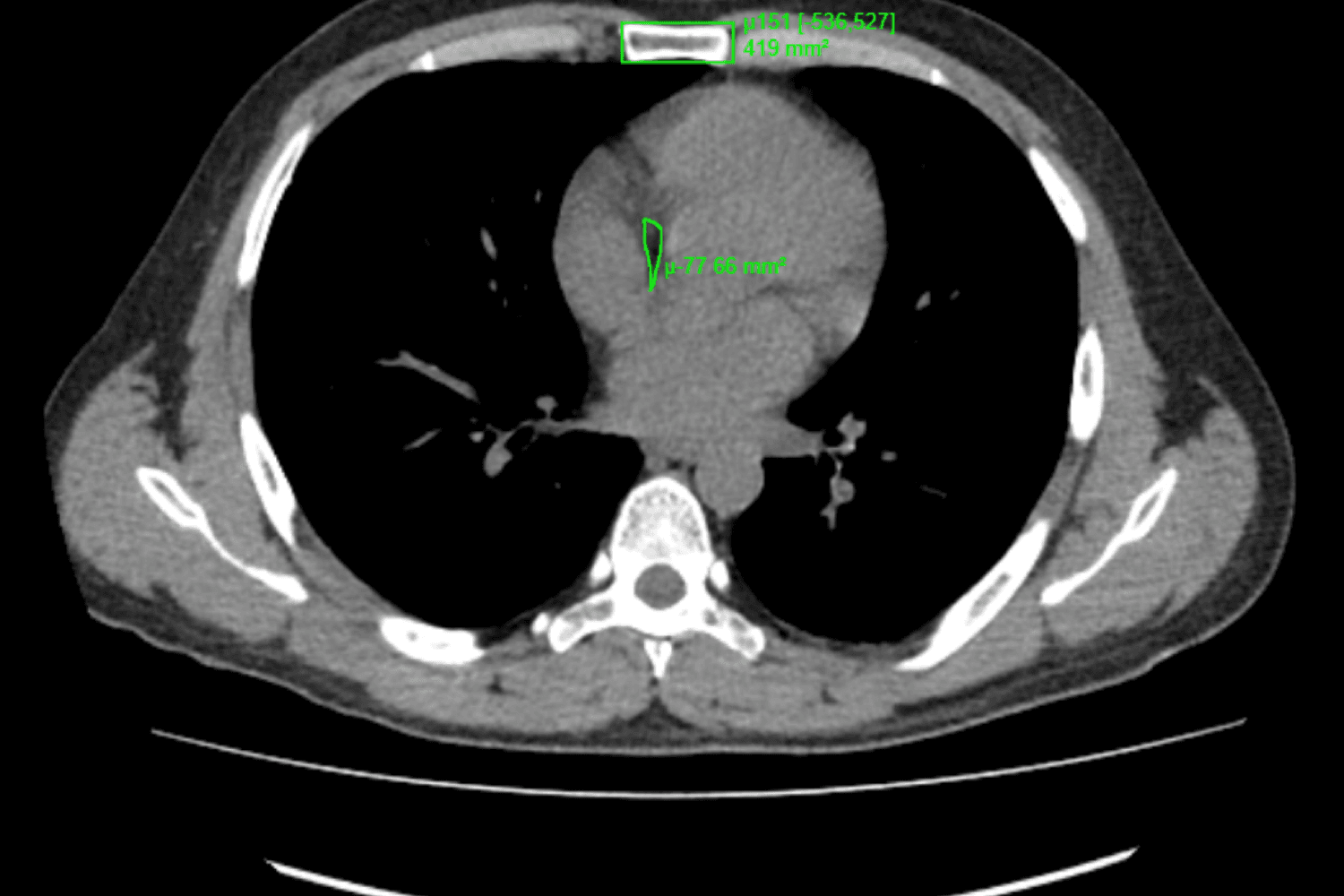
- Rectangle, ellipse and freehand ROI — mean, min, max, area
- Probe for pixel value and CT Hounsfield units
- Arrow and text annotation
- Annotations and measurements stay with the study
See past the axial stack
- qLens™ local enhancement, source image untouched
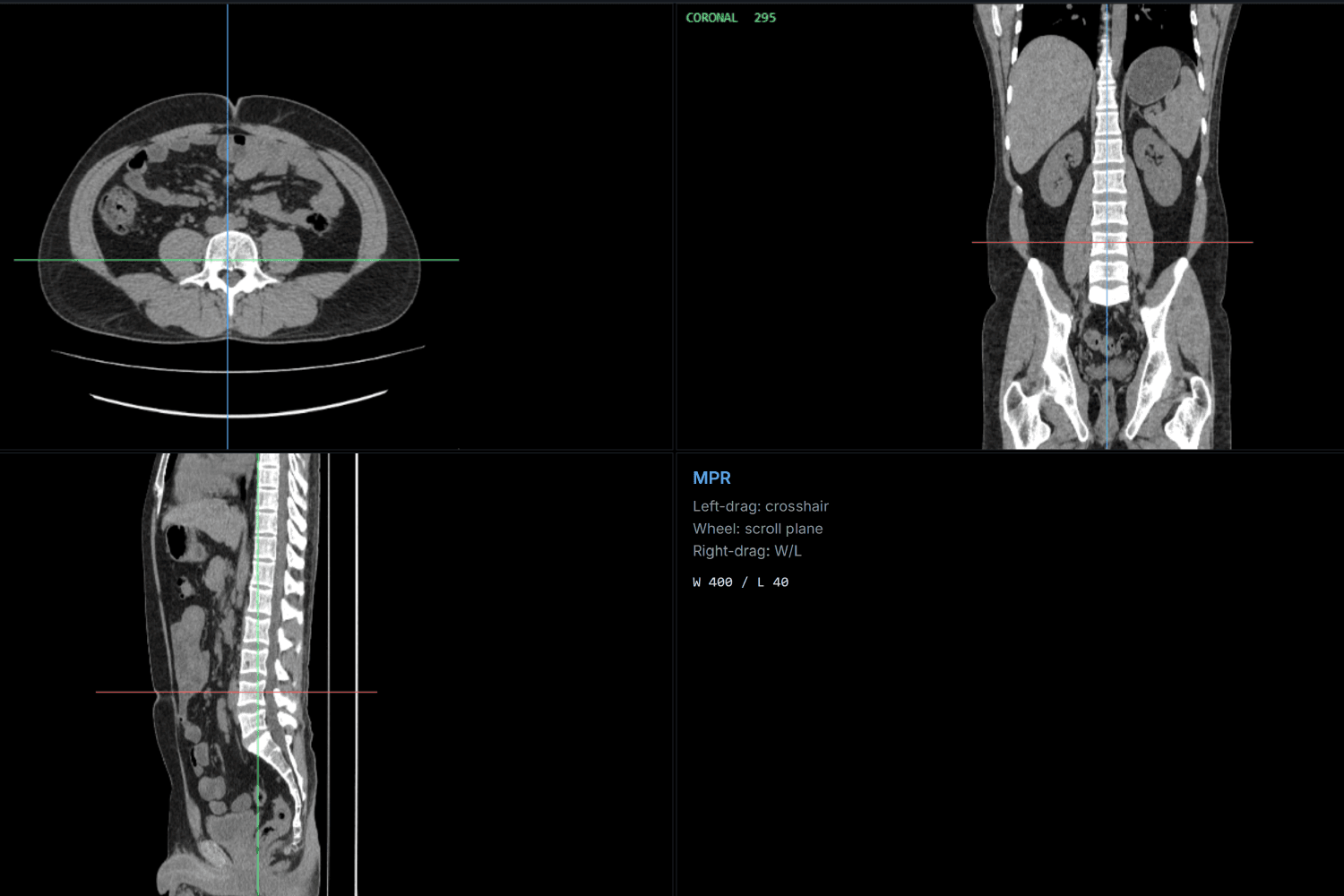
- MPR with a linked crosshair across planes
- MIP and MinIP thick-slab projection
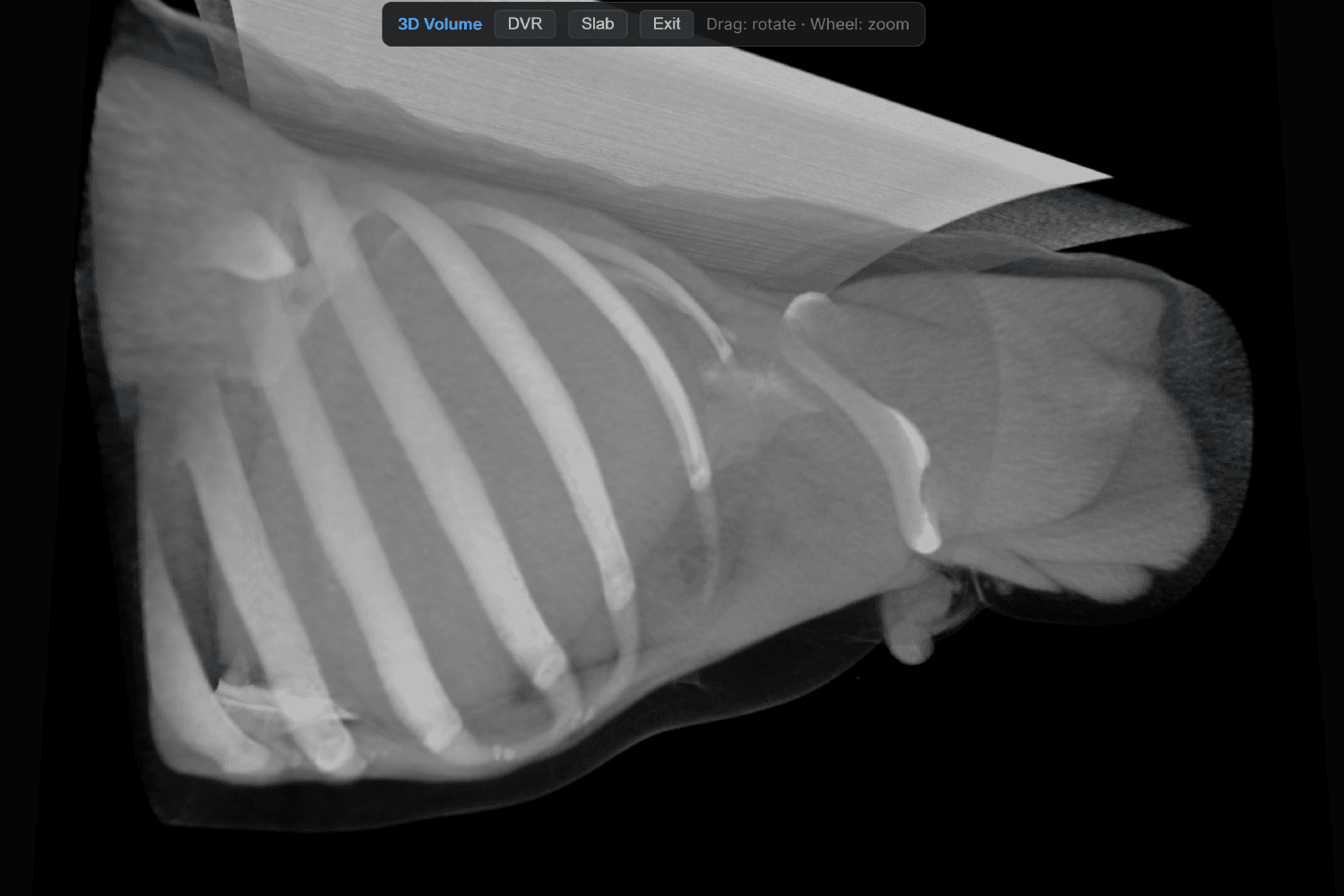
- 3D volume rendering with orbit and zoom
- Ultrasound colour and multi-frame cine loops
Capture, share and bring in
- Key image marking and snapshot
- Export as PNG or JPEG, or print
- Permission-gated DICOM download
- DICOM tag inspector for troubleshooting
- Drag in outside studies — files, a folder or a .zip
Innovation
Tools that usually need
a second workstation.
Advanced visualisation is normally a separate purchase: another workstation, another licence, another queue, and a study that has to be exported to reach it. In qPACS it is part of the same browser session the study is already open in.
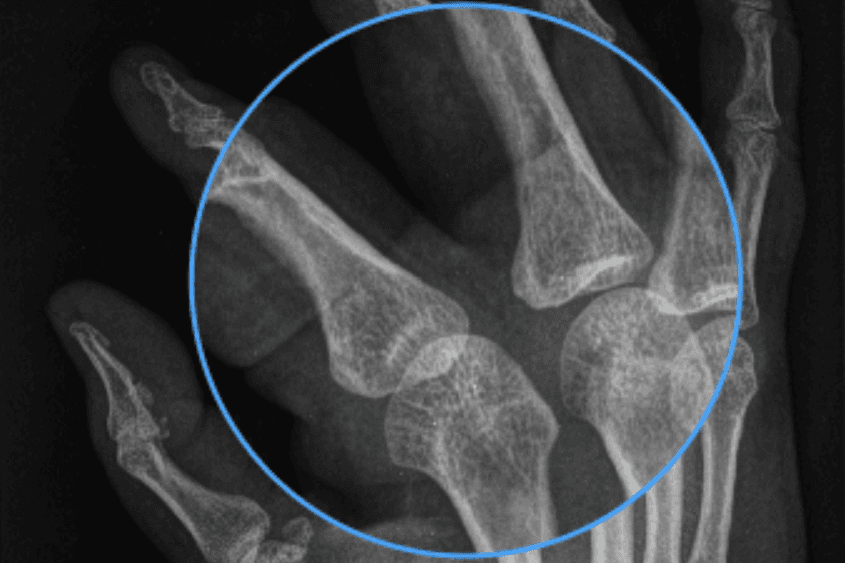
qLens™
Edge enhancement applied inside the lens only — the surrounding image stays exactly as acquired, and the source pixels are never modified.
MPR
Axial, coronal and sagittal reconstructed from one CT series, with a linked crosshair and per-plane scrolling at W 400 / L 40.
3D volume rendering
DVR and thick-slab from the archived study, rotated and zoomed in the browser — no export and no rendering workstation.
The platform
Archive, workflow,
governance.
Behind the viewer sits a full archive: a standards-compliant DICOM node, a searchable study index, order and reporting workflow, and the access controls a hospital needs before a single patient image is stored.
Connectivity without a project
- C-STORE, C-ECHO, C-FIND, Modality Worklist and MPPS
- DICOMweb QIDO-RS, WADO-RS and STOW-RS
- HL7 v2 orders and demographics in, results out — MLLP or HTTP
- Devices registered by AE title, with an optional allow-list
- Compressed transfer syntaxes handled server-side
- Web upload of outside studies — files, folders or .zip
The worklist your department runs on
- Search by patient, accession, modality, date or description
- Statuses from unread to verified, and assignment to radiologists
- Priors and current-vs-prior comparison
- Orders reconciled to studies by accession number
- Patient image gallery for non-radiology staff
Reporting where the images are
- Report editor alongside the study
- Templates by modality or body part
- Draft, finalise, sign and controlled addendum
- Critical finding flag and full report history
- Results delivered back to your RIS / HIS / EMR
Governance built in
- Role-based access control and optional SSO
- Audit of study access, exports and annotation changes
- Session timeout and patient-context protection
- Anonymisation for approved secondary use
- Single-use, short-lived launch tokens for integrated apps
Connect the equipment you already own
qPACS is designed to receive and archive objects from DICOM-conformant modalities across vendors. Adding a scanner is a configuration change — not a service call.
qPACS Mobile
The worklist in your pocket.
Nothing left on the phone.
Secure mobile access to studies and the qPACS viewer for Android and iOS. Search the worklist, open a study, and leave nothing behind on the device.
- Study worklist with paging and instant search
- Search by patient, ID/MRN, accession, modality or date
- Opens studies in the qPACS viewer, same tools and presets
- Signs in with the same PACS account, role and permissions
- No images, reports or patient data stored on the device
- Points at your server — nothing routes through a cloud service
Go deeper
Everything else you'll want to check
Deployment
Three services, one database, one storage path — on a single machine you already control. Sizing, network and licensing.
Platform & integration
DICOM, DICOMweb, REST and HL7 v2 interfaces, order push, launch tokens and native MediCubes RIS/EHR integration.
Specifications
The complete inventory — every measurement, navigation, output, connectivity and security item in one list.
Request a demo
See it read your studies.
The fastest way to evaluate qPACS is to point a modality at it. We install a full working system, connect it to your equipment and walk your team through a live read — on your images, on your network.
- 01Connect a modality
- 02Send a study
- 03Read it in the browser